How to Get Custom Player Heads in Minecraft Java Edition: A Complete Guide for Single Player and Servers
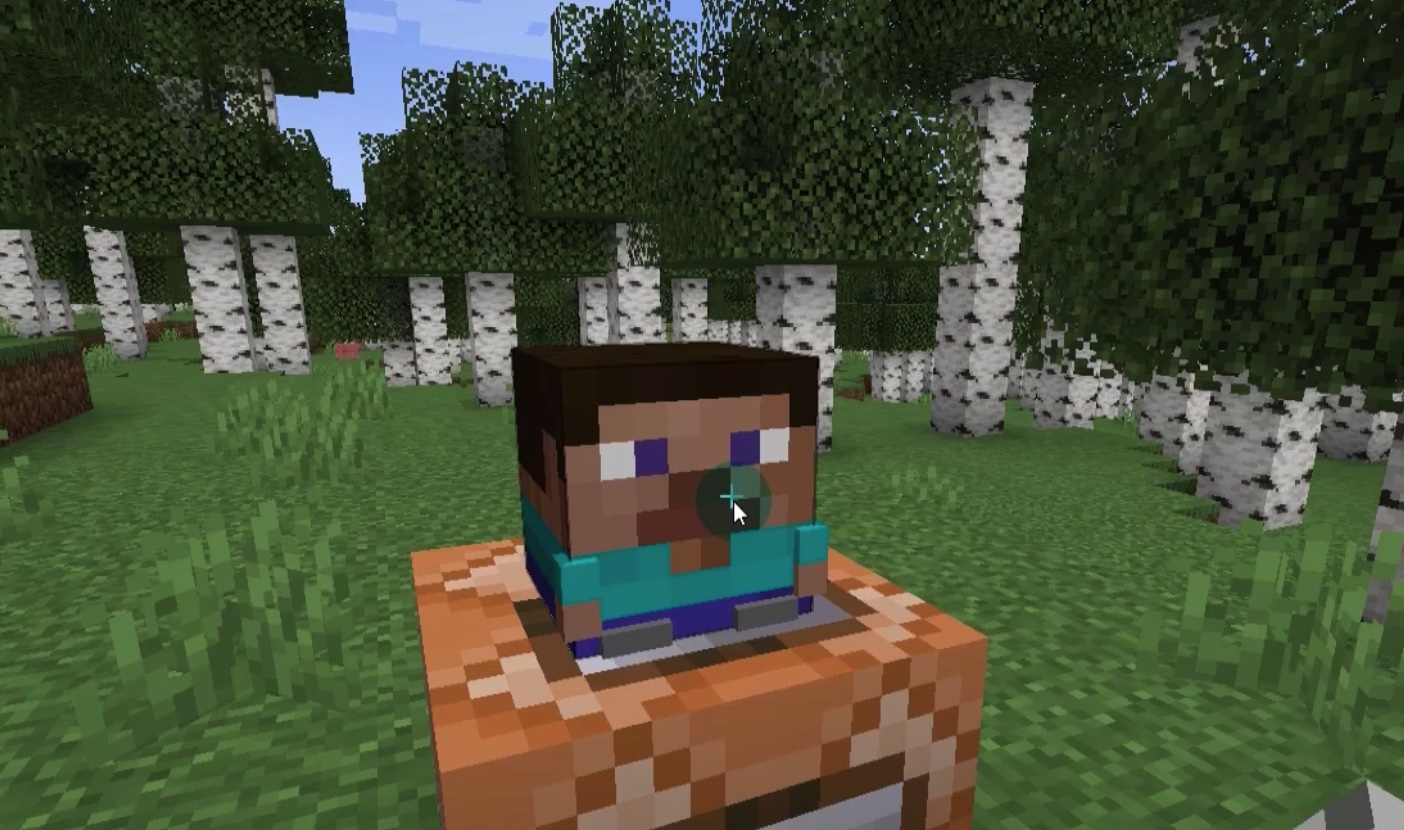
One of the most creative features in Minecraft Java Edition is the ability to use custom player heads as decorative blocks or items. These heads can represent almost any design — from cute plushies and furniture pieces to detailed characters or themed decorations — giving you endless options to enhance your builds. If you've ever wondered how to add unique custom heads to your world, this guide explains everything step by step for both single-player worlds and multiplayer servers.
Why Use Custom Heads?
Custom heads open up incredible building possibilities. You can create realistic kitchens with custom appliance heads, adorable animal plushies, or intricate statues. The designs come from community-generated textures, and the process relies on Minecraft's built-in support for player head NBT data. Best of all, this works entirely within Java Edition.
Method 1: Getting Custom Heads in Single-Player Worlds
In single-player, you have full control, so the process is straightforward and uses vanilla commands.
-
Enable Cheats in Your World
If cheats are not already enabled, pause the game, click "Open to LAN," toggle "Allow Cheats" to ON, and start the LAN world. This gives you access to commands without recreating the world. -
Obtain a Command Block
Open the chat and type:
/give @p minecraft:command_block
This places a command block in your inventory. -
Find a Custom Head Design
Visit a reliable custom head database online (such as minecraft-heads.com). Browse categories like decorations, furniture, or characters, and select the head you want. Copy the provided command — usually a/givecommand with NBT data or asetblockcommand. -
Set Up and Execute the Command
- Place the command block on the ground.
- Right-click it to open the interface.
- Paste the copied command into the command field.
- Set the block to "Always Active" or attach a redstone lever/button to activate it.
- Power the block — this will either give you the head directly or place a head block nearby.
-
Collect the Custom Head
- If a head block was placed, break it in survival mode to pick it up as an item.
- In creative mode, hold Ctrl (or your pick block key) and middle-click the placed head to copy it directly with all custom texture data preserved.
Repeat this for as many designs as you like — it's quick and unlimited.
Method 2: Getting Custom Heads on Multiplayer Servers
On servers, things depend on the server's settings. Many servers enable command blocks or use plugins that make custom heads easier to obtain.
-
Check Server Features
Some servers have plugins that cause player heads to drop on death with the player's current skin texture. Confirm if your server supports this. -
Use the Skin Change Method
- Find your desired head design on a custom head database.
- Download the skin image file provided.
- Exit Minecraft and open the official launcher.
- Go to the "Skins" tab, create a new skin, and upload the downloaded image.
- Apply the skin and relaunch the game — your character will now have the custom head appearance.
-
Obtain the Head Through Gameplay
- In-game, die intentionally (fall damage, mob kill, etc.).
- Return to your death location. If the server is configured correctly, your custom-skinned head will drop as an item.
- Pick it up and use it for building.
Note: Drop rates can vary, so you may need a few attempts.
If the server has command blocks enabled and you have access, you can use the same command block method as in single-player.
Tips for Best Results
- Always keep the full NBT data intact — this preserves the custom texture.
- Experiment with categories like furniture or alphabet letters for signage and detailed builds.
- Combine custom heads with armor stands for even more dynamic decorations.
- This feature is exclusive to Java Edition, so it won't work the same way on Bedrock.
Custom player heads are a simple yet powerful way to take your Minecraft creativity to the next level. Whether you're building alone or on a server, these methods let you access thousands of unique designs instantly. Start exploring databases today and transform your worlds!