No OP? No Problem! How to Find the Seed of a Minecraft Server Without Permissions

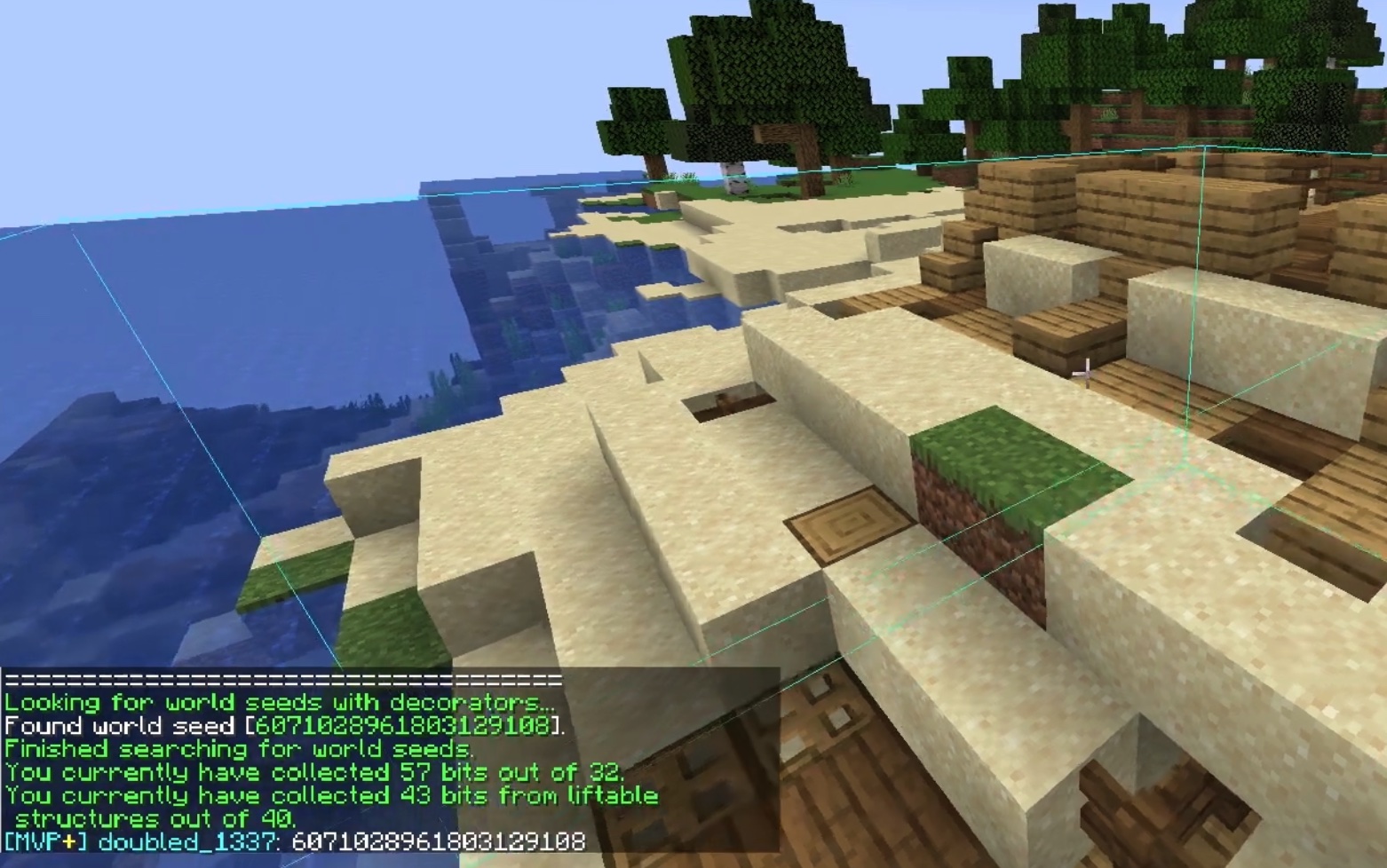
Ever joined an awesome Minecraft server and wished you could recreate its epic terrain in your own single-player world? The world seed is the magic number that generates everything — biomes, structures, villages, and those perfect mountain ranges. Normally, only operators can reveal it with a simple command, but what if you don’t have permissions? That’s where a clever client-side mod comes in, letting you discover the seed yourself.
This guide explains how to find the seed of a Minecraft server using the popular SeedcrackerX mod and the Fabric loader. The method works by collecting data from in-game structures (like dungeons, villages, or other features) and mathematically reversing the seed. It’s completely client-side, so it doesn’t require server access or cheats — just some exploration. Note that some servers may forbid mods or consider this unsporting, so always respect the rules.
Step-by-Step: How to Find the Seed of a Minecraft Server
-
Choose the Right Minecraft Version
Make sure your Minecraft client matches the server’s version (e.g., 1.20 or 1.21). Finding the Minecraft server seed only works if everything is compatible. -
Install Fabric Loader
Fabric is a lightweight mod loader needed to run SeedcrackerX.- Download the official Fabric installer from fabricmc.net.
- Run it, select the matching Minecraft version, and install the client version.
This creates a new Fabric profile in your Minecraft launcher.
-
Download SeedcrackerX
Grab the latest SeedcrackerX mod file from its official GitHub releases or trusted sites like CurseForge. Always match the version to your game. -
Install the Mod
- Open your Minecraft directory (type
%appdata%\.minecraftin Windows search). - Find or create a “mods” folder.
- Drop the SeedcrackerX .jar file into it.
(Some versions may also need Fabric API — check the mod page if you run into issues.)
- Open your Minecraft directory (type
-
Launch Minecraft with Fabric
In the Minecraft launcher, select the Fabric profile you created and start the game. -
Join the Server
Connect to the target Minecraft server as usual. -
Start Collecting Data
Once in the world, open chat and type/seedcracker data bits(or check the mod’s GUI/hotkeys — it often shows an on-screen overlay).
The mod will tell you it needs data from several structures. Typically, you need to locate around five valid structures (the exact types vary by version, but common ones include dungeons, villages, outposts, or trial chambers).
Explore naturally — fly in creative if the server allows it for testing, or wander in survival. As you discover structures, the mod automatically gathers “bits” of information and displays progress. -
Wait for the Crack
Once enough valid data is collected (usually shown as filling up a bit counter), SeedcrackerX will calculate and display the server seed right in chat or the overlay. Copy it down! -
Verify the Seed (Optional)
To double-check, create a single-player world with the revealed seed and matching version/settings. Explore the same coordinates — everything should line up perfectly.
That’s it! With this method, finding the Minecraft server seed becomes straightforward, even on public servers without any special privileges. The beauty of SeedcrackerX is that it uses predictable structure generation patterns to reverse-engineer the seed mathematically — no hacking required.
A Few Tips for Success
- Newer Minecraft versions may need more structures or specific types, so patience is key in survival mode.
- The mod works on most vanilla-like servers, but heavily modified ones might interfere.
- Always download mods from trusted sources to avoid malware.
Now you know how to find the seed of a Minecraft server like a pro. Happy exploring — and maybe keep those epic seeds to yourself!