Otherworld D&D Minecraft Modpack Guide
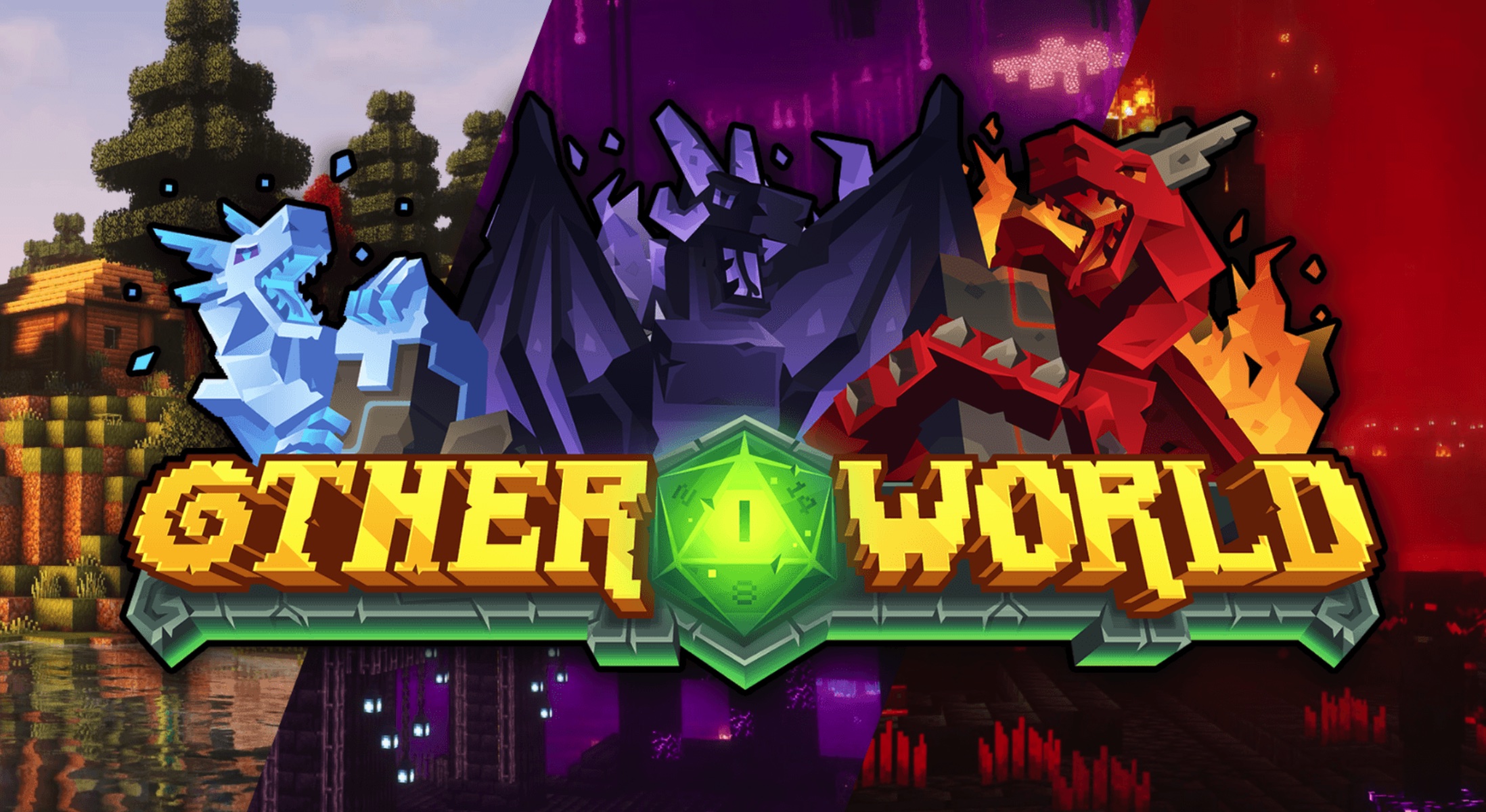
First Minecraft modpack deeply integrating D&D 5e rules · Inspired by Baldur's Gate 3
For Minecraft 1.20.1 Forge
Core Features Summary
Otherworld [Dungeons & Dragons] is the first Minecraft modpack to deeply incorporate D&D 5th Edition rules, heavily inspired by Baldur's Gate 3. The key highlights are:
- Character Creation System: Choose race, class, feats, and cantrips at the start for true role-playing.
- RPG Progression & Attributes: Level up naturally through gameplay, unlocking abilities, attribute points, and skills.
- Immersive Fantasy World: Rich biomes with fantasy creatures, cities, villages, and diverse NPC races (orcs, goblins, dragons, etc.).
- Story-Driven Campaign: Includes a main storyline, new dimensions, rituals, and deep lore—turning survival into an epic adventure.
- Economy & Quest System: Gold and silver currency, village bounty boards for rewarding tasks.
The gameplay shifts from traditional survival-building to full role-playing adventure, perfect for fans of dice-rolling, class selection, gear progression, and story-driven games like Baldur's Gate 3.
1. Downloading and Installing the Modpack
The modpack is very new (released in January 2026). Make sure your PC can handle it (recommend allocating 8GB+ RAM).
- Download the CurseForge client (official site: https://www.curseforge.com/minecraft)
- Search for “Otherworld” in CurseForge or visit the direct link:
https://www.curseforge.com/minecraft/modpacks/otherworld-dnd - Click “Install” to automatically download Minecraft 1.20.1 + Forge + all mods
- Once installed, launch the game from CurseForge by clicking “Play”
Tip: Manual installation is possible (install Forge 1.20.1 first, then place mods in .minecraft/mods), but CurseForge is strongly recommended for one-click setup and updates.
2. Creating a New World and Initial Setup
- Launch the game, go to “Singleplayer” → “Create New World”
- Choose any world name; game mode should be Survival
- In “More World Options,” keep defaults (the modpack includes custom world generation)
- Click “Create New World”
The world generation is highly fantastical: massive fantasy biomes, enhanced villages, capital cities, and more.
3. Character Creation (The Core D&D Experience)
This is the modpack’s biggest highlight—a fully customized character creation screen appears at the start (built on a heavily modified Origins system).
- Choose Race:
Options include human, elf, dwarf, halfling, and drow-like subraces. Each race has unique passive bonuses (e.g., better vision for elves, poison resistance for dwarves). - Choose Class:
Classic D&D classes: fighter, wizard, cleric, ranger, rogue, sorcerer, etc. Each has its own skill tree and starting cantrips. - Choose Feats:
Additional talents that grant extra attribute points or special abilities (similar to Baldur's Gate 3 feats). - Review Character Sheet:
After creation, open your character panel (default key may be “O” or check Origins keybinds) to view attributes (Strength, Dexterity, Intelligence, etc.), level, and skills.
New Player Recommendation: Start with Human Fighter (balanced and beginner-friendly) or Elf Ranger (strong ranged options). Avoid complex spellcasting classes at first—the magic system has a learning curve.
4. Basic Survival and Exploration
- Early Resource Gathering: Punch trees and craft tools as usual, but note that monsters are stronger due to the RPG leveling system.
- Find Villages: Enhanced villages have NPC merchants and bounty boards. Trade with gold/silver coins (dropped by mobs or earned from quests).
- Take Bounty Quests: Village boards offer rewards for killing specific monsters—great for quick leveling.
- Explore Fantasy Structures: Dungeons, dragon lairs, capital cities, etc., contain legendary gear and story clues.
5. Leveling and Skill Progression
Leveling happens naturally—no need to grind experience bottles.
- Gain XP through combat, exploration, and quests
- Level-ups automatically grant attribute points, new skills, and spells
- Track progress in your character sheet
- Some advanced abilities require rituals or entering new dimensions (main story progression)
6. Combat and Magic System
Combat feels much more RPG-like:
- Enemies have levels and stats—early ones are easy, higher-level ones require strategy
- Use class skills and cantrips in battle
- Legendary gear can be reforged for better stats
- Make use of shield blocking and dodge rolls (added by some mods)
7. Main Story and Advanced Gameplay
The heart of the modpack is its immersive campaign:
- Follow in-game prompts to advance the main storyline (new dimensions, rituals, plot events)
- Collect legendary items and uncover world lore
- Late-game challenges include dragons and powerful bosses for a complete adventure experience
Highly Recommended: Official Wiki
https://otherworld.wiki/
It contains detailed race/class guides, quest information, and mod interactions—more comprehensive than any video.
Conclusion
This modpack transforms Minecraft into a full Baldur's Gate 3-style D&D adventure. If you love role-playing, deep progression, and story-driven gameplay, it’s absolutely worth trying! New players can ease in by watching gameplay footage first, then use this guide for deeper exploration.
Have fun and enjoy the adventure!